General prompt
Natural visual language that you can read and revise.
AI Image Describer
Explore the subject, setting, light, and composition of an image in clear, editable language.
For a descriptive reading, choose General prompt and add “Describe the visible subjects, setting, composition, and lighting in plain language” to the optional direction.
From looking to making
Capture the visual decisions that make an image work, then give them a direction of your own.
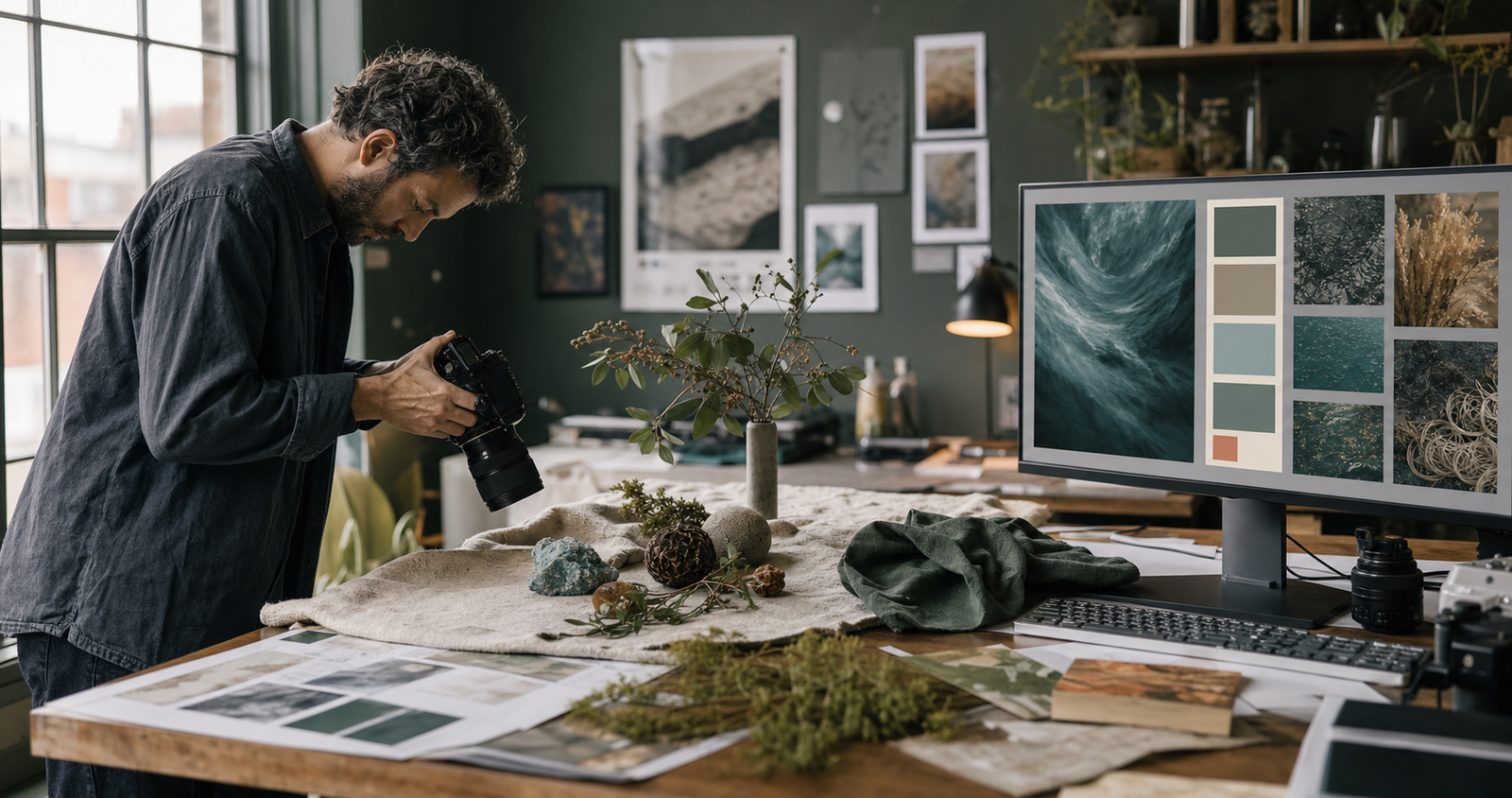
Read the whole image
Go beyond naming the subject. Build a useful description of composition, lighting, material, palette, and atmosphere.
Try your own reference →Built for control
Separate the subject, composition, light, palette, material, and atmosphere. A structured reading makes it easier to preserve one decision while changing another.
Explore the output formats →Natural visual language that you can read and revise.
Clear labeled fields for repeatable workflows.
Flux, Midjourney, Stable Diffusion, and JSON.
Choose an image where the subject and lighting can be read without heavy compression.
Concise is fast, Balanced is reusable, and Deep inspects smaller visual relationships.
Tell the system whether you care most about camera, material, layout, or atmosphere.
Answers before you upload.
It analyzes an image and returns a text prompt or structured description. You can edit the result and use it as a starting point in an image generator.
Use a clear PNG, JPEG, or WebP file within the size limit displayed in the uploader. You can select a file, paste an image, or enter a public image URL.
No. A prompt describes visible characteristics, but a different image model, seed, or setting will produce a different result. Review the description and adapt it to your purpose.
Yes. The format control offers natural language and structured options, along with formats intended for common image model workflows.
Our practical guides cover composition, lighting, prompt structure, and a first image-to-prompt workflow.